> For the complete documentation index, see [llms.txt](https://docs.probloggertemplates.com/guides/llms.txt). Markdown versions of documentation pages are available by appending `.md` to page URLs; this page is available as [Markdown](https://docs.probloggertemplates.com/guides/casper/getting-started/footer-ads.md).
# Footer ADS
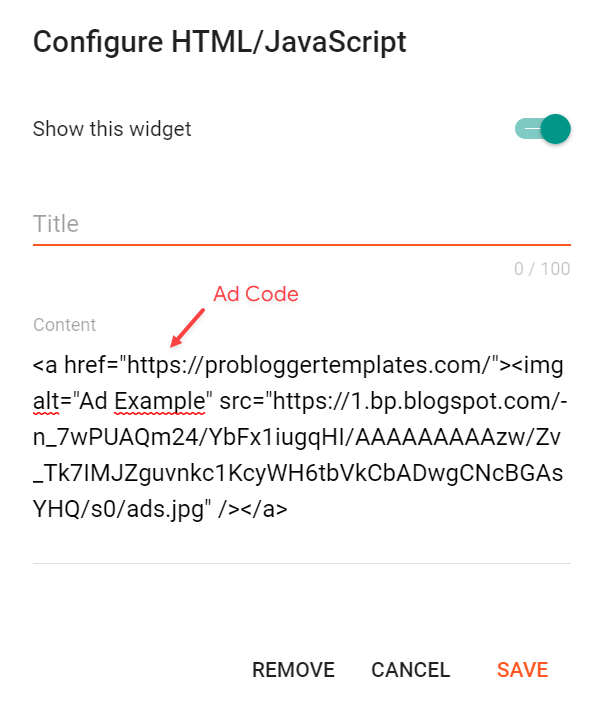
Access your blog **Layout** > and click on the **Add a Gadget** > **HTML/JavaScript**, **Image** or **AdSense** > in the **Footer ADS** section.
**Example:**
### Hide on Post Page
Go to your blog **Theme** > **Customize** > **Advanced** > **Footer ADS** > **Show on Post Page** > and change the value to `0`.