> For the complete documentation index, see [llms.txt](https://docs.probloggertemplates.com/guides/llms.txt). Markdown versions of documentation pages are available by appending `.md` to page URLs; this page is available as [Markdown](https://docs.probloggertemplates.com/guides/labeauty/getting-started/theme-options.md).
# Theme Options
### Deafult Thumbnail
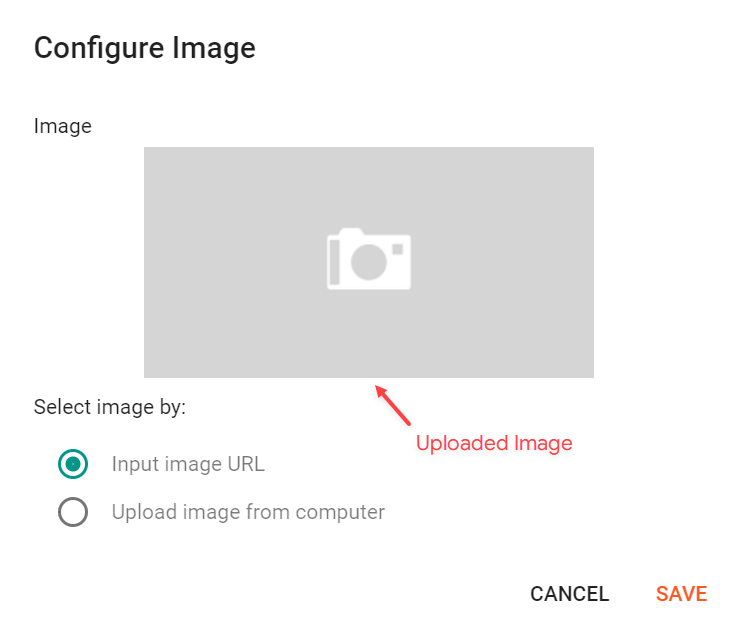
Access your blog **Layout** > and click on the **Edit Icon** > in the **Theme Options** > **Default Thumbnail** gadget.
**Example:**
{% hint style="info" %}
INFO: This image will be displayed for posts that don’t have an image or youtube video.
{% endhint %}
### JSON Variables
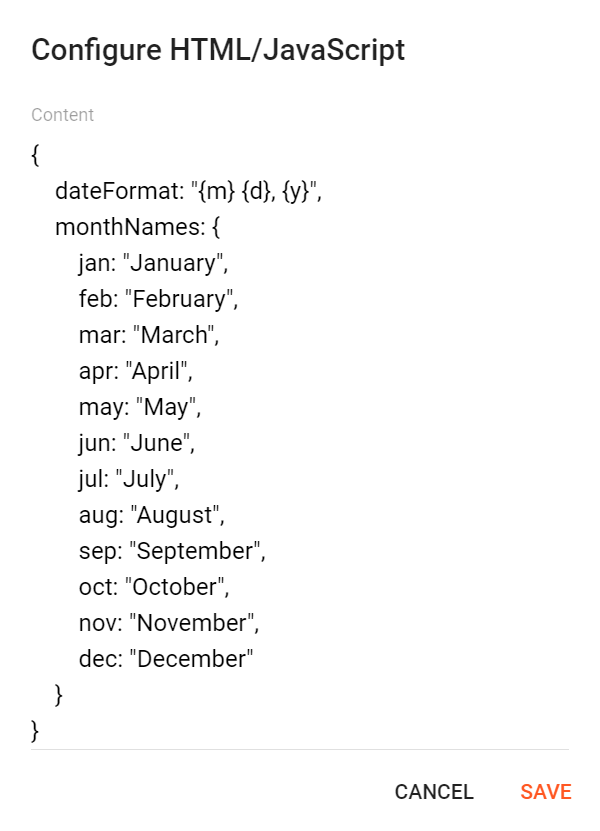
Access your blog **Layout** > and click on the **Edit Icon** > in the **Theme Options** > **JSON Variables** gadget.
```json
{
dateFormat: "{m} {d}, {y}",
monthNames: {
jan: "January",
feb: "February",
mar: "March",
apr: "April",
may: "May",
jun: "June",
jul: "July",
aug: "August",
sep: "September",
oct: "October",
nov: "November",
dec: "December"
}
}
```
dateFormat: default is `{m} {d}, {y}`
monthNames: default is `January`, `February`, `March`, `April`, `May`, `June`, `July`, `August`, `September`, `October`, `November`, `December`
**Example:**
{% hint style="info" %}
INFO: This functionality is only valid for `{getPosts}` Gadgets and Related Posts. Other formats are changed in the blog settings.
{% endhint %}