> For the complete documentation index, see [llms.txt](https://docs.probloggertemplates.com/guides/llms.txt). Markdown versions of documentation pages are available by appending `.md` to page URLs; this page is available as [Markdown](https://docs.probloggertemplates.com/guides/seoflex/getting-started/post-content-ads.md).
# Post Content ADS
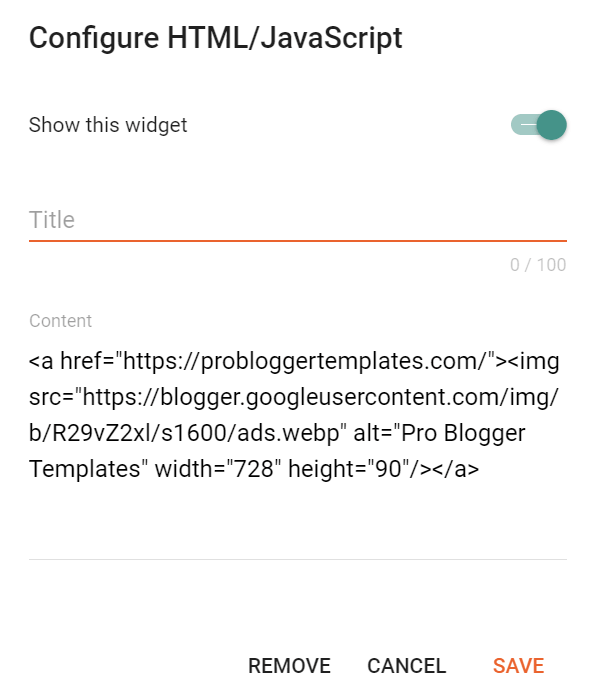
Access your blog **Layout** > and click on the **Add a Gadget** > **HTML/JavaScript**, **Image** or **AdSense** > in the **Before Content**, **After Content** or **In-Article** sections.
**Example:**
### Display Options
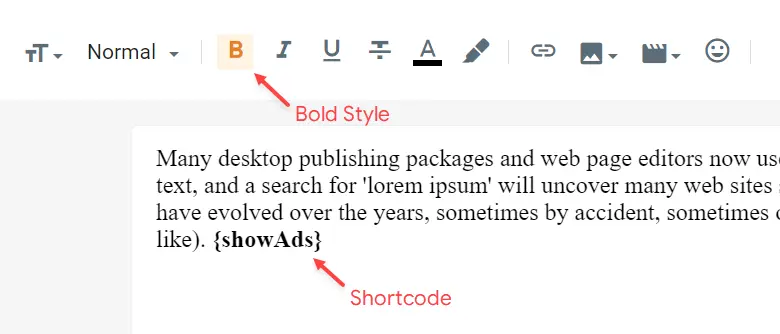
By default, ads in sections **Before Content** and **After Content** are displayed only in **“Posts”**. You can display them on specific **“Pages”** with the help of shortcodes.
Shortcode: `{showAds}`
{% hint style="info" %}
INFO: After adding the shortcode, apply the **Bold** style.
{% endhint %}
**Example:**
### In-Article Ads (Between Paragraphs)
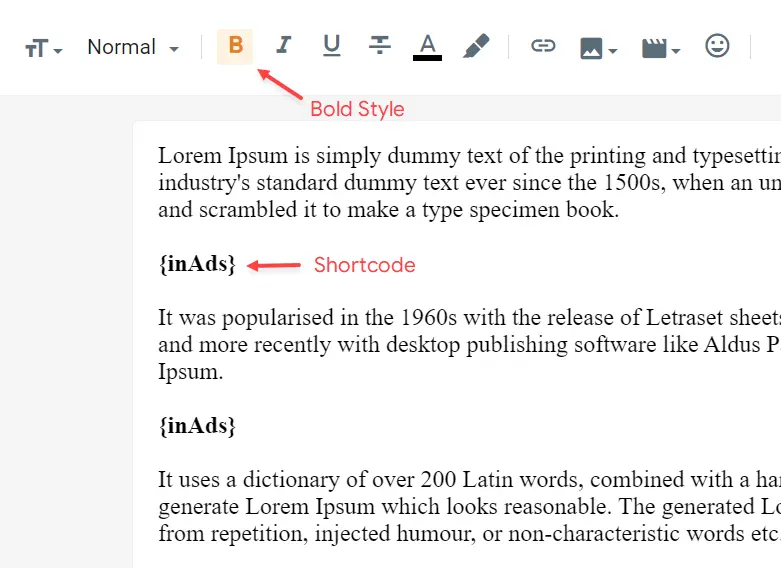
The ad in the **In-Article** section does not have a defined display location. You can display it multiple times in **“Posts”** and **“Pages”** with the help of shortcodes.
Shortcode: **{inAds}**
{% hint style="info" %}
INFO: After adding the shortcode, apply the **Bold** style.
{% endhint %}
**Example:**
{% hint style="info" %}
INFO: This function is compatible with the deprecated shortcodes `{ads}`, `$ads={1}` and `$ads={2}`, eliminating the need to edit old posts and pages.
{% endhint %}