> For the complete documentation index, see [llms.txt](https://docs.probloggertemplates.com/guides/llms.txt). Markdown versions of documentation pages are available by appending `.md` to page URLs; this page is available as [Markdown](https://docs.probloggertemplates.com/guides/smartmag/getting-started/theme-options.md).
# Theme Options
This template allows you to customize some options directly in the layout.
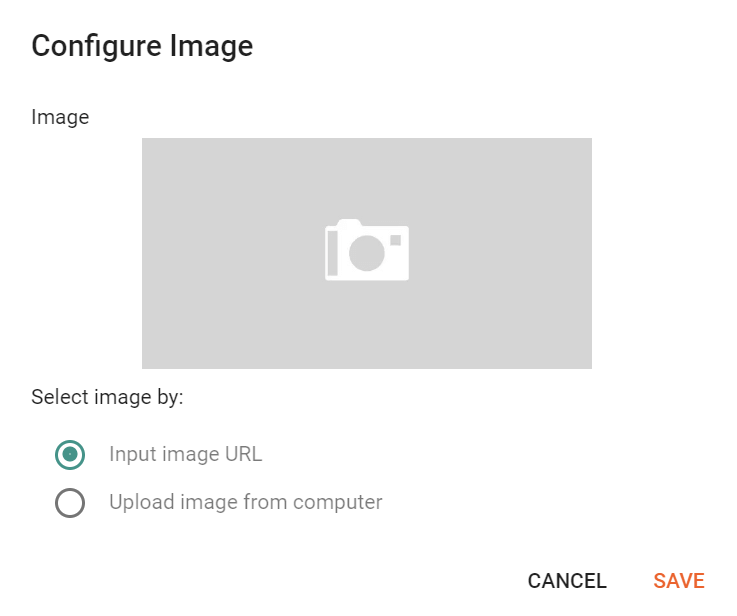
### Default Thumbnail
Access your blog **Layout** > and click on the **Edit Icon** > in the **Theme Options** > **Default Thumbnail** gadget.
**Example:**
{% hint style="info" %}
INFO: This image will be displayed for posts that don’t have an image or youtube video.
{% endhint %}
### JSON Variables
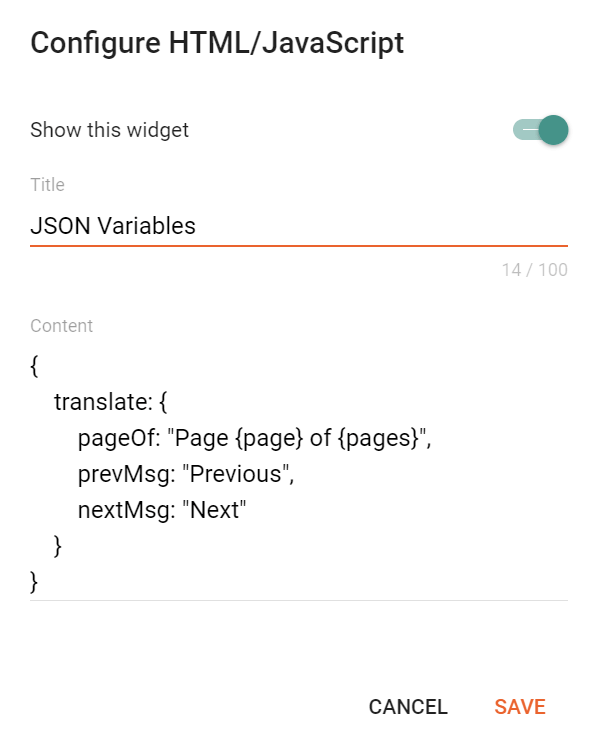
Access your blog **Layout** > and click on the **Edit Icon** > in the **Theme Options** > **JSON Variables** gadget.
```json
{
translate: {
pageOf: "Page {page} of {pages}",
prevMsg: "Previous",
nextMsg: "Next"
}
}
```
pageOf: default is `Page {page} of {pages}`
prevMsg: default is `Previous`
nextMsg: default is `Next`
**Example:**
{% hint style="info" %}
INFO: Use this feature to define a custom translation for Content Pagination (Post Split).
{% endhint %}